TabKeep — Session Manager & Tab Group Saver
Save your Chrome windows, tabs and tab groups, and get them back exactly as they were. Safe for 500+ tabs, private by default, free to use.
Coming to Chrome Web StoreLeave your e-mail and we write once, the day it is live.
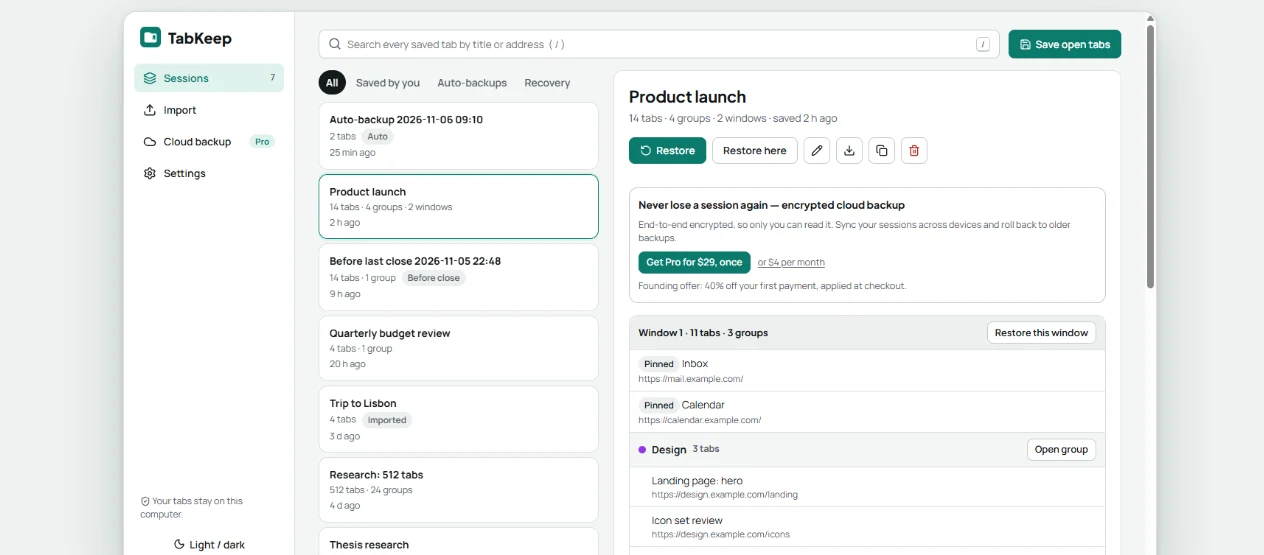
- Tab groups restored with names and colors
- Backup every 10 minutes
- Imports Session Buddy and OneTab
- No account, no ads, no analytics
500 tabs, and Chrome stays fast
Big sessions open as light placeholders with their saved titles. A page loads only when you click it, so memory stays low and Chrome does not freeze.
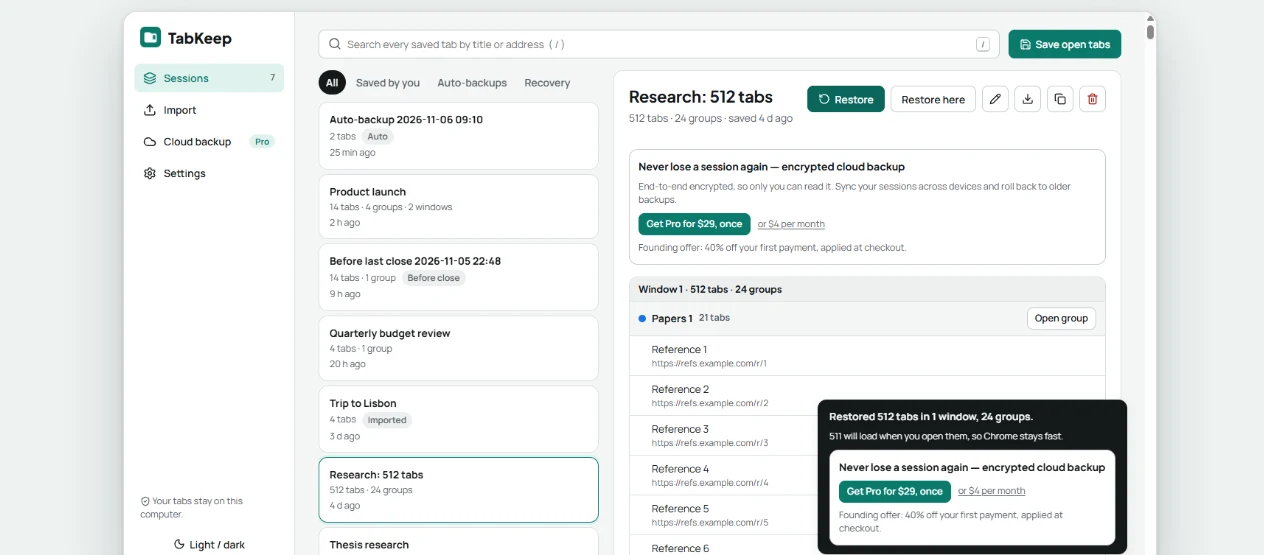
Find any saved tab
Search every saved tab across all sessions by title or address. Press /, type, pick with the arrow keys, press Enter.
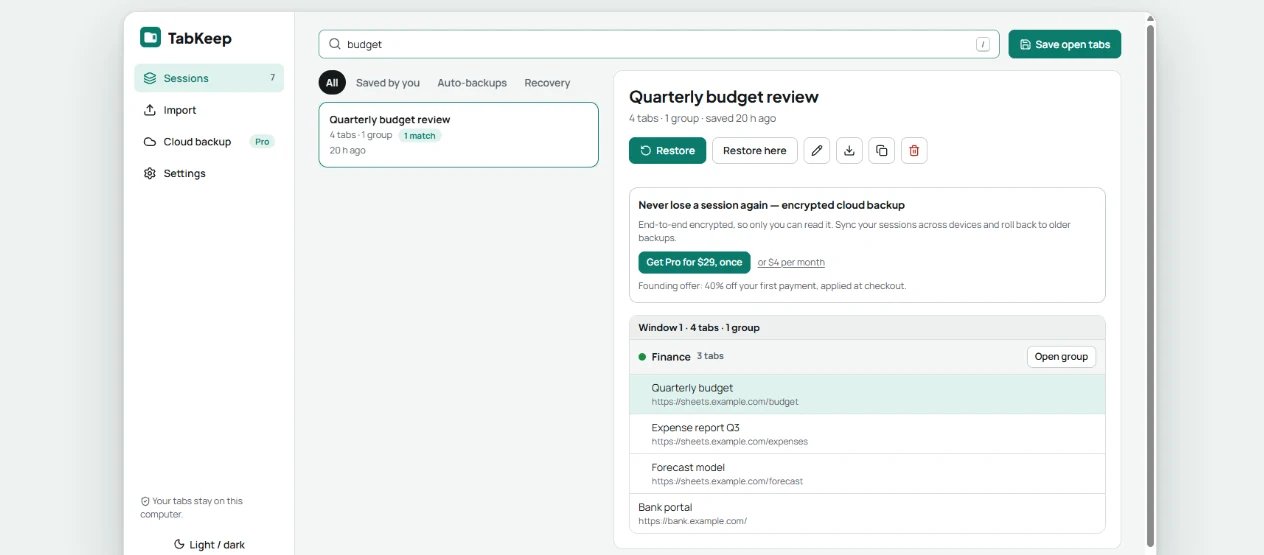
One click back after Chrome closes
TabKeep keeps the state of your windows from just before Chrome closed or crashed, and offers it the next time you open the popup. Light and dark themes, keyboard first.
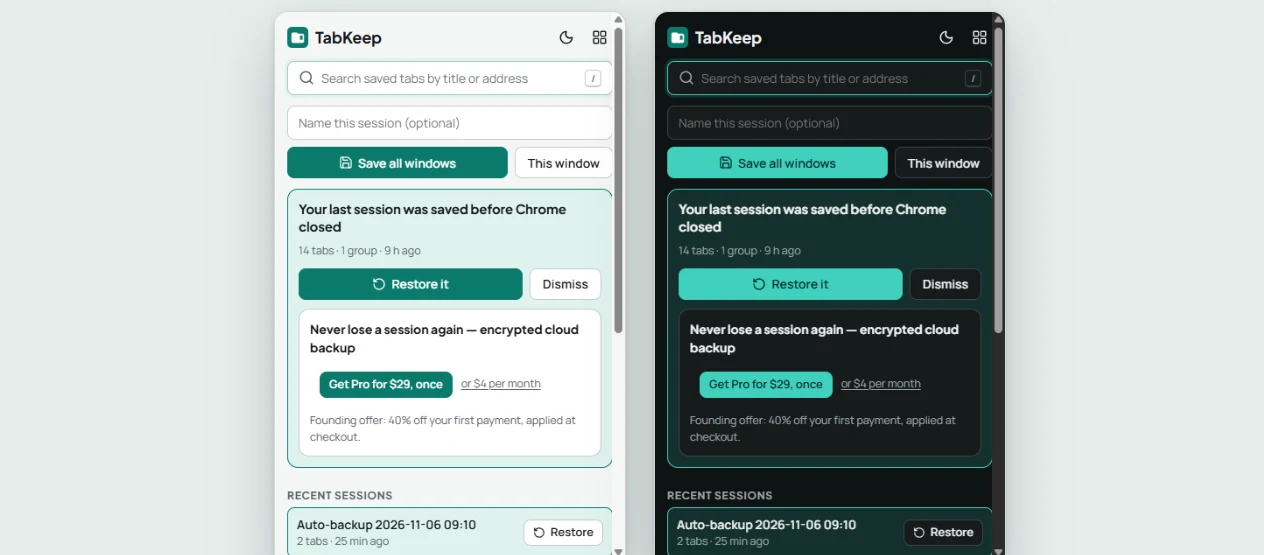
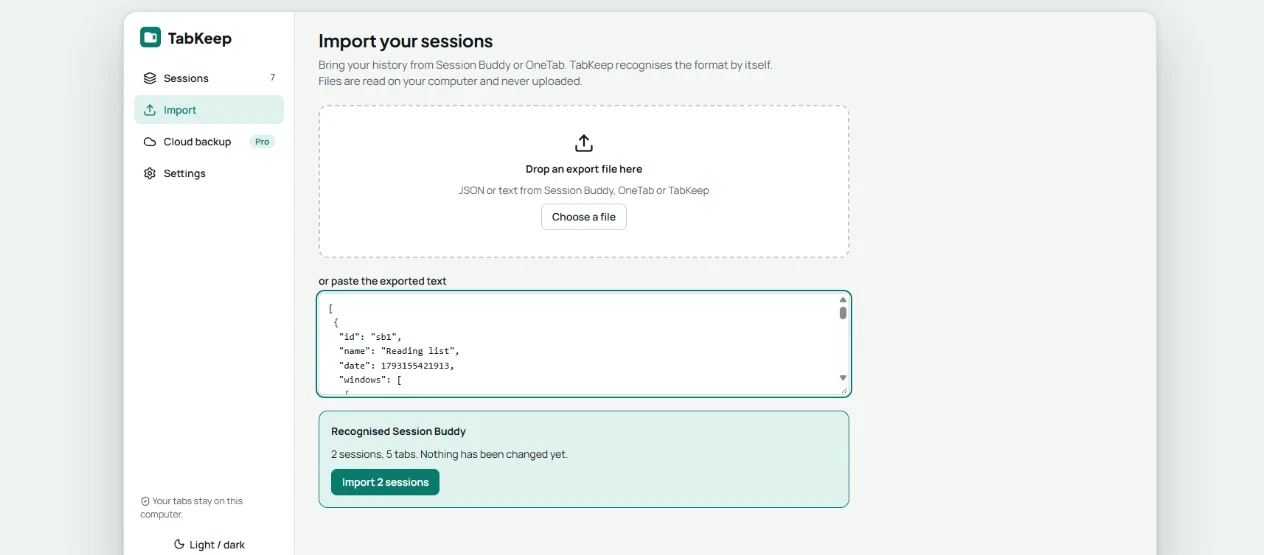
Bring your old sessions along
Import a Session Buddy or OneTab export. TabKeep recognises the format by itself, in one step.
End-to-end encrypted cloud backup
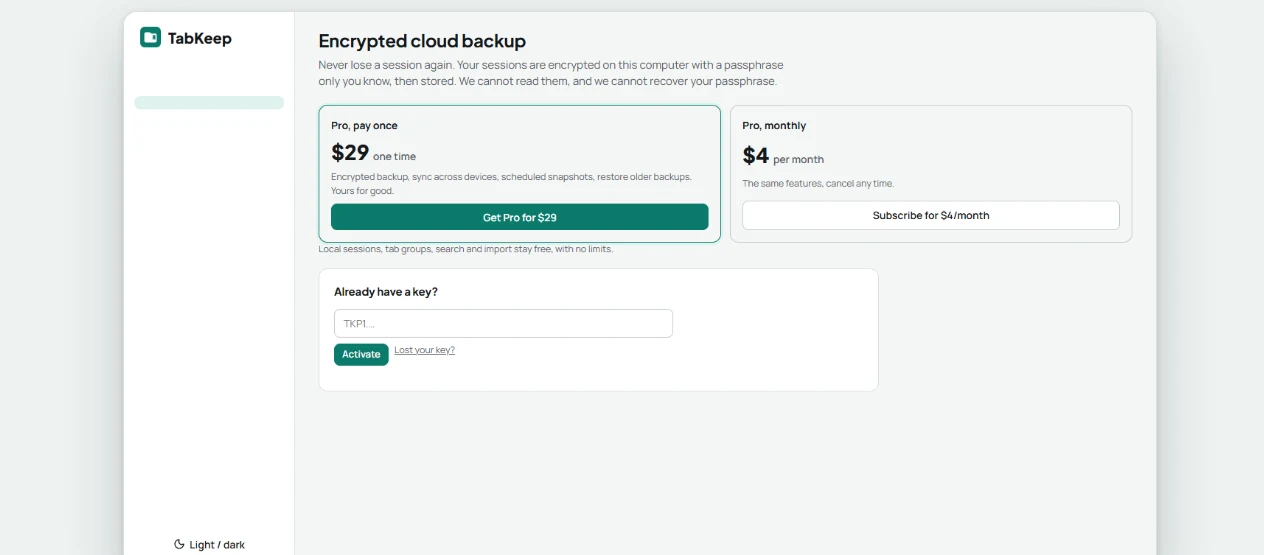
End-to-end encrypted: only you hold the key. With Pro, sessions are encrypted in the extension with a passphrase only you know, before anything is uploaded. We store ciphertext. We cannot read your tabs, and we cannot recover the passphrase.
Free for everyday use, Pro for the cloud
Sessions stay on your computer for free, without limits. Pro adds an encrypted cloud backup and sync.
Coming soon. TabKeep arrives in the Chrome Web Store first; Pro checkout opens with it.
Free
$0
- Save and restore sessions on this computer
- Tab groups, pinned tabs, search, import and export
- Automatic backup every 10 minutes
- Everything stays in your browser; nothing is uploaded
- No account, no key
Pro, lifetime Best value
$29 one payment, yours for good
- Encrypted cloud backup of your sessions
- Sync across all your devices
- Scheduled, named snapshots
- Restore older backups
- No subscription: pay once, never again
Pro, monthly
$4 per month
- Everything in Pro lifetime
- Cancel any time; the month you paid for stays active
Coming to Chrome Web Store
Leave your e-mail address and we will write to you once, when TabKeep is live. Until then nothing is sold and nothing is charged.
Prices are in US dollars, per person. Paddle, our reseller and merchant of record, shows the final total before you pay. In the US and Canada, sales tax is added to the price; in most other countries the price already includes VAT or GST. The monthly plan renews automatically until you cancel it. The lifetime license is a single payment and never renews.
Questions
Can you read my tabs? No. Sessions and snapshots are encrypted in the extension before upload. The server stores ciphertext and the sizes and dates of the files, nothing else. If you forget your passphrase we cannot recover your backups: that is what end-to-end encrypted means.
How does the license key work? After you buy Pro, your key arrives by e-mail within minutes. It starts with TKP1. Paste it in TabKeep under Pro, Enter license key. It renews by itself while your license is active and stops working after a refund or a chargeback.
Can I get a refund? Yes, within 14 days of any payment. A refund ends the license at once. See the refund policy.